
You first contribution: Maintaining OSD job submissions
Looking to do your first contribution? Follow this guide to get started.
Open Source Design
Are you a designer looking to help out in the open source design community? A great way to get started is reviewing and approving pull requests submitted to post a job on the job board!
What are job submissions?
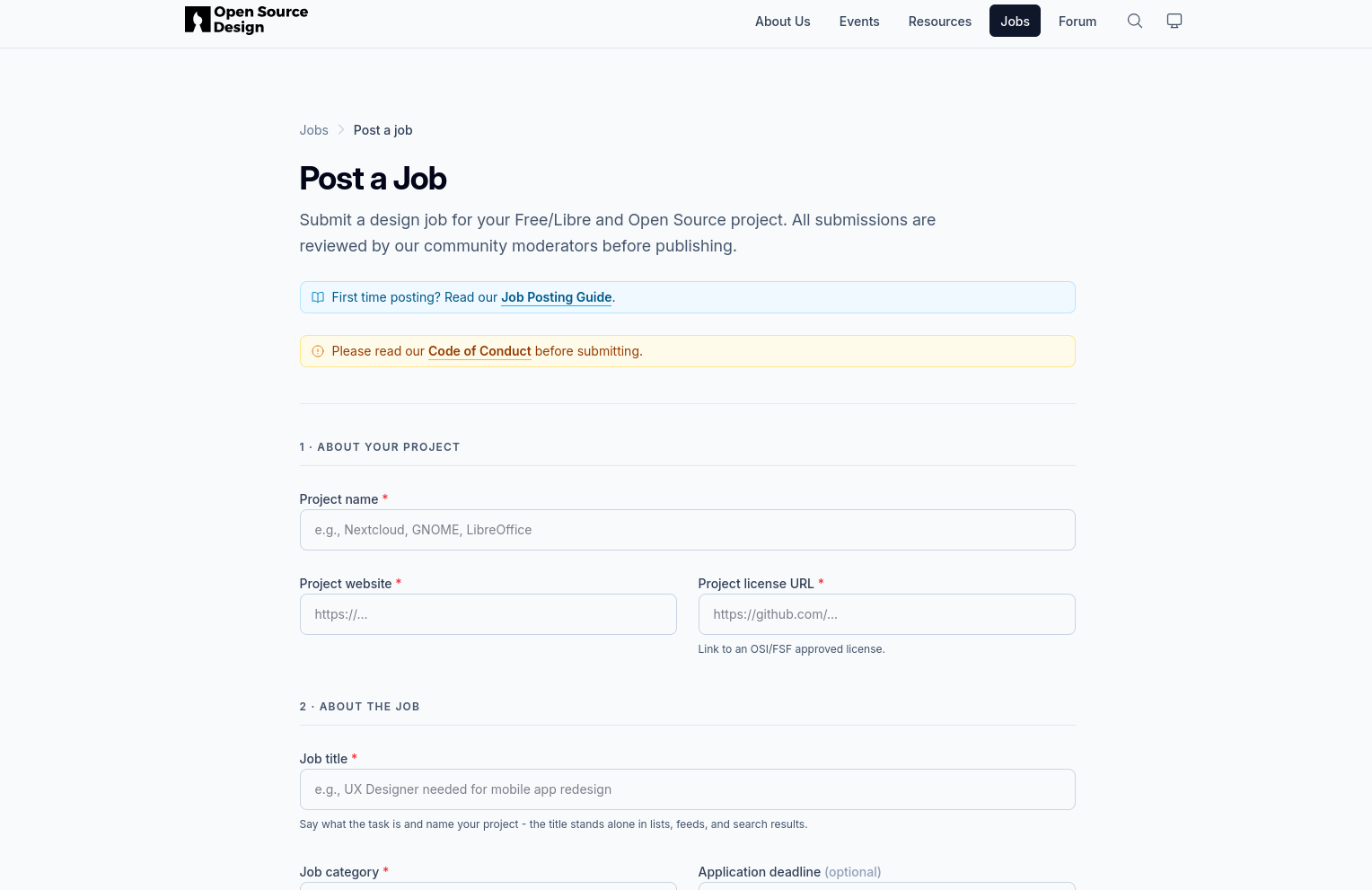
Job submissions are the form people with open source projects fill out. Filling out the form creates a post on the website to let designers know their project needs assistance.
Where do I find the job submissions to review/approve?
First, go to the open source design website repository on Github.
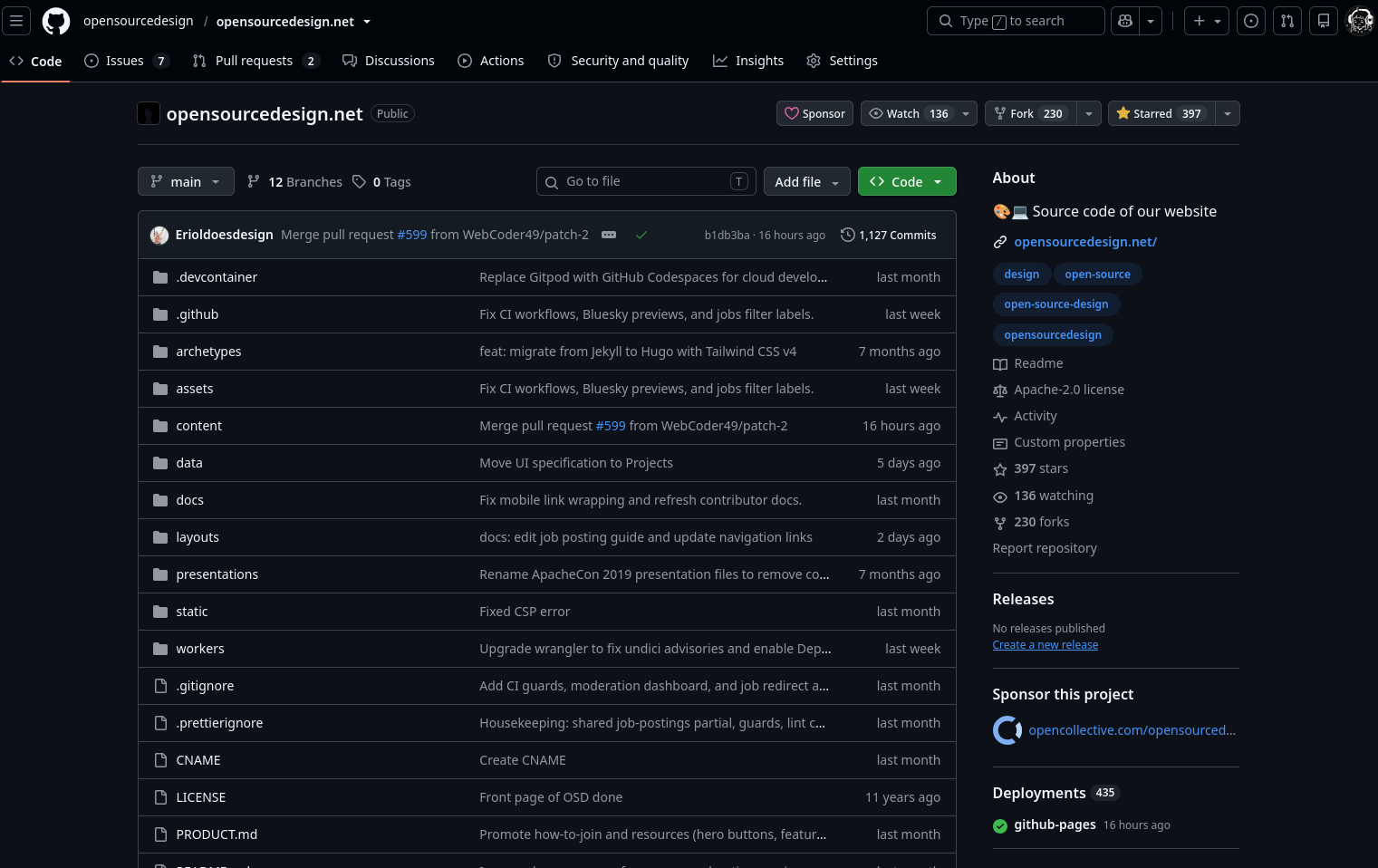
Second, click on the pull requests tab.
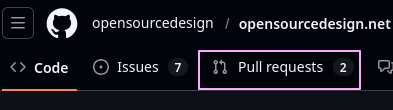
Pull requests are essentially someone asking, “Hey, can you add this to the website/make this change?” Our job is to say yes, no, or modify this before yes.
Third, click on any pull request starting with “Job submission:” if there is none then there are no requests for approval at the moment. All job submissions are markdown files waiting to be approved so they can be added to the jobs section of the website.
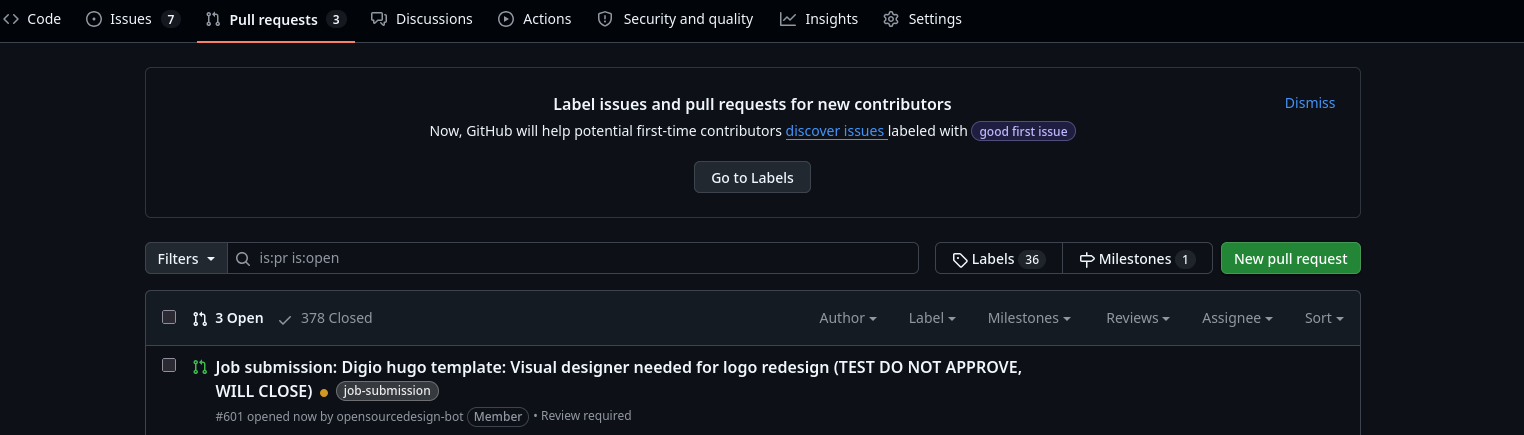
There’s a submission!
Click on that job submission and navigate to “Files changed”.

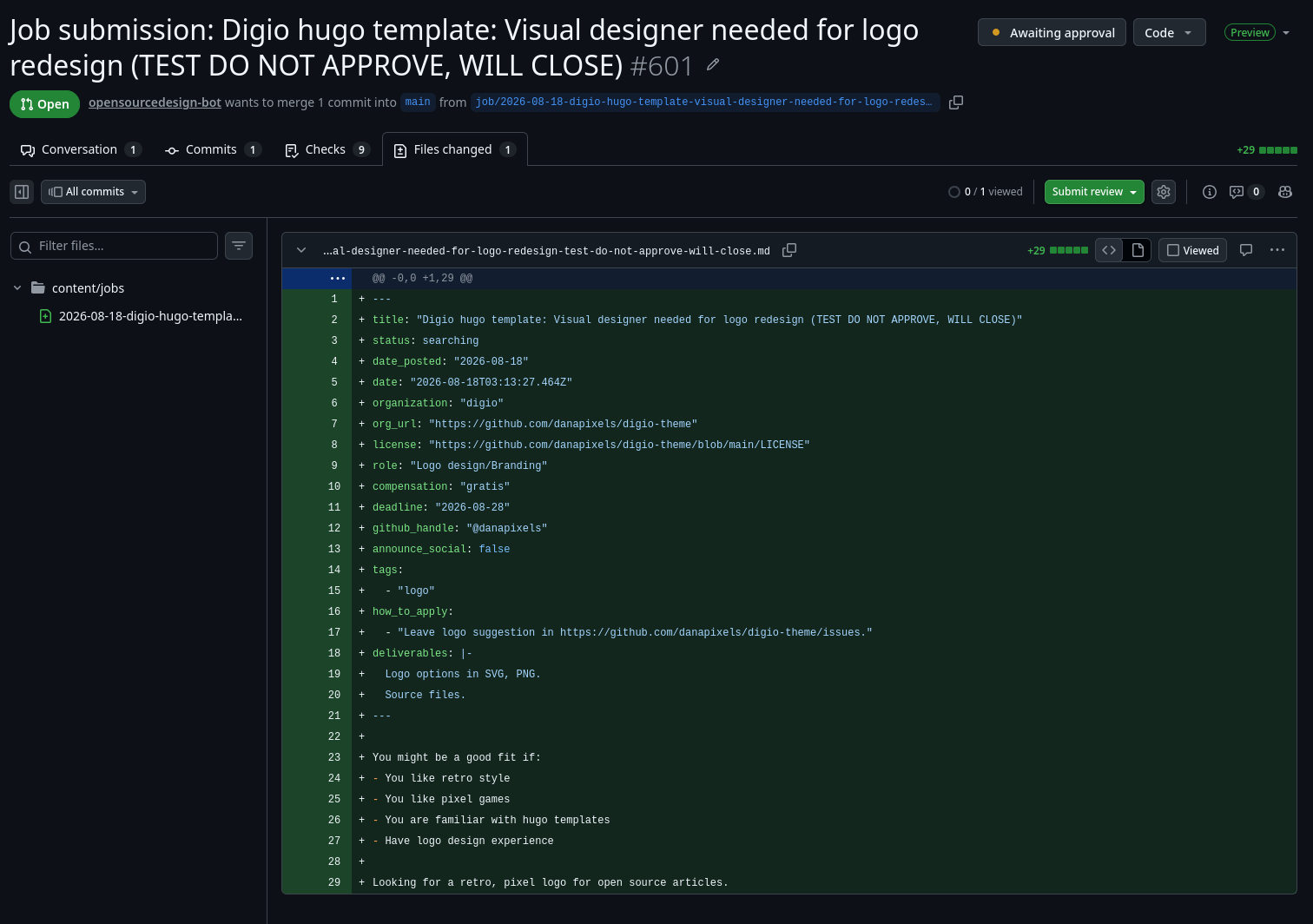
What criteria do I need to look out for when reviewing the pull request?
This is where you will need to some investigation and clicking through their links:
- Can the organization name be found in their repository/organization URL or does the organization name match their repository/organization URL?
- They are not required to have an email attached but is there some form of contact information like Discord, Telegram, etc?
- Look through their project repository, is there anything malicious that is against what open source design stands for? Examples are gambling, anything discriminatory or offensive, etc. Unsure? Take a look at our code of conduct.
- Is their project under the approved Open Source Initiative licenses?
- Does the deliverables and description make sense?
All projects must pass these criteria to be approved.
If everything looks good, in the top right there is a “Submit comments” button.

You can either request changes, approve, or comment without explicit approval. If you approve, leave a comment letting us know it looks good.
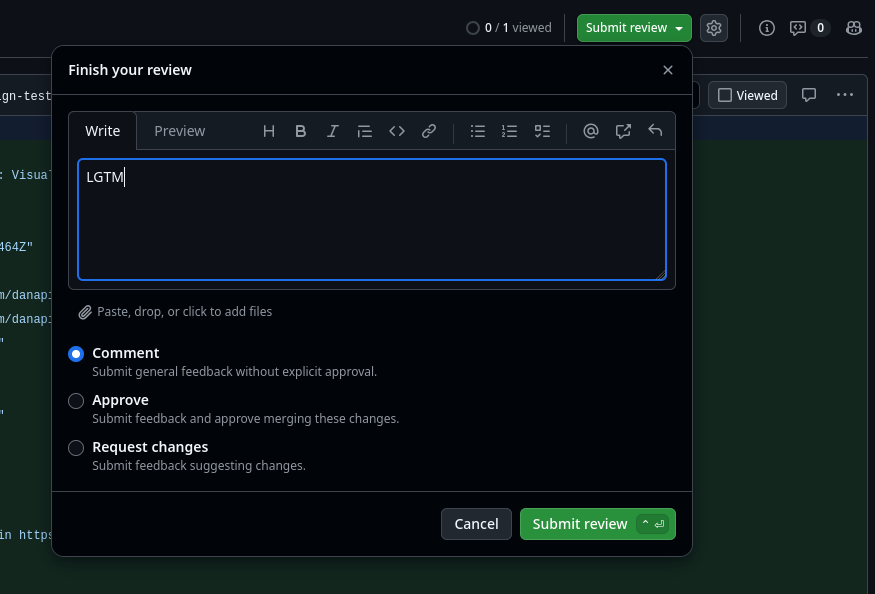
Click submit review and you’re done! Congrats on your first approval and contribution to open source design.
Optional
Pull request preview
In the PR, you can preview the job post by the “Conversation” tab and scrolling down. You will see a link called “PR Preview” to see it on the actually website.
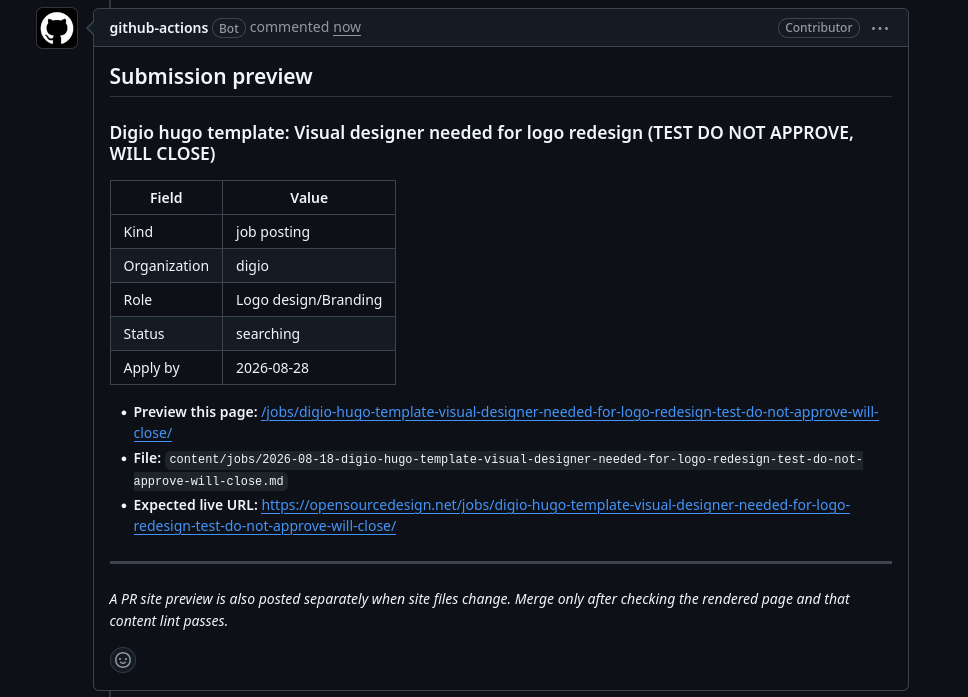
Improving description and deliverables of job submissions
Many projects struggle to know what they are looking for. If the deliverables or description are unclear and would benefit from more direction, feel free to leave a comment on their pull request.
Not limited to the below examples but these are good questions to ask yourself to understand if there are gaps for other designers looking at the job submissions:
- How might someone be a good fit for this role?
- Looking at the deliverables, would you be able to get started as a designer?
- What kind of background would you need about the organization to get started on their project?
- What is their organizations mission?
- If it’s help with their user experience, what are they expecting of users to do on their website, app, etc? What is the expected journey users will take?
- If it’s a logo, icon, or branding, what visual style are they looking for?